I've been using the Minimal Phone daily for four months. It's the perfect middle ground between a dumb phone and a smartphone.
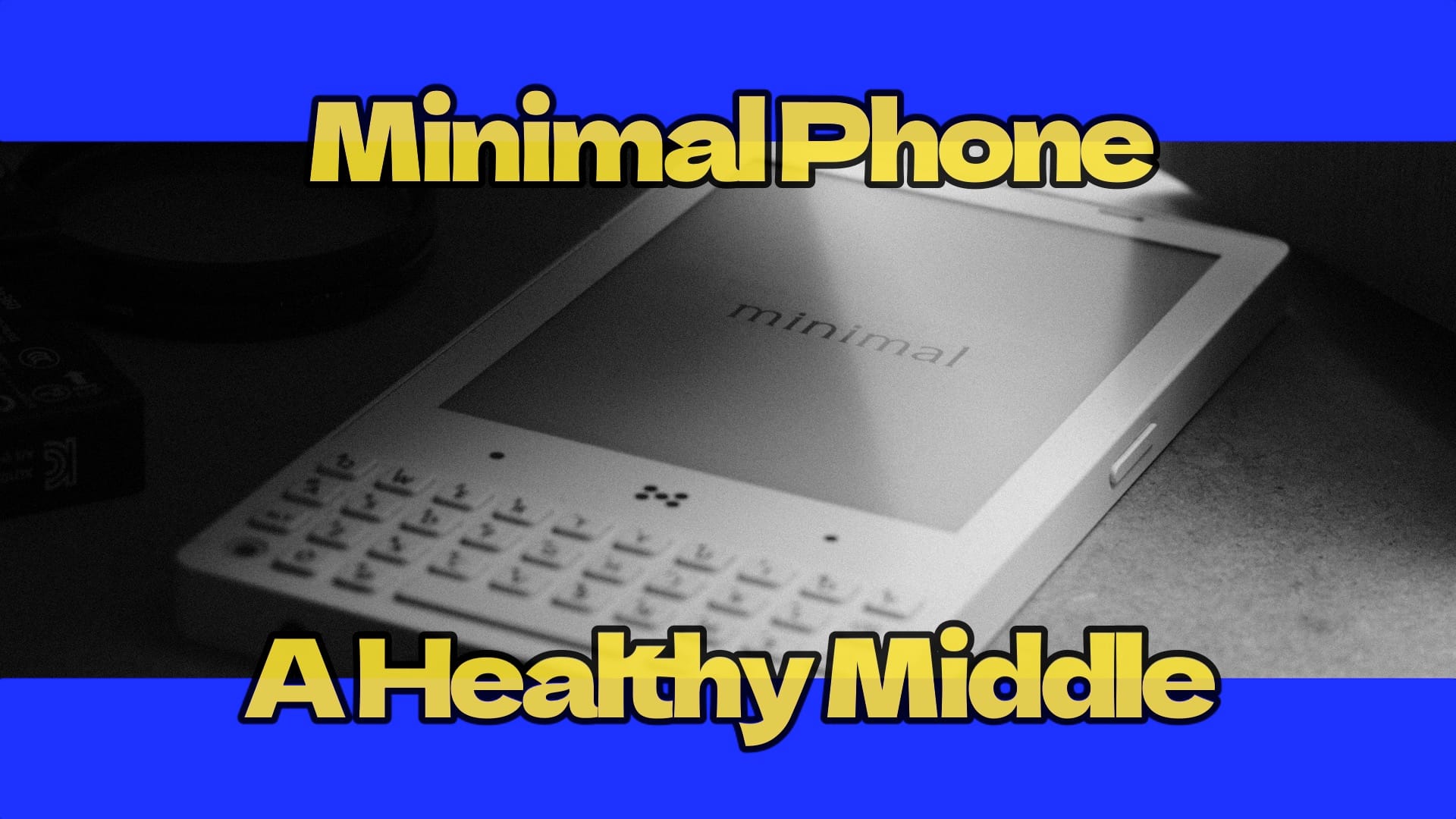
By popular demand, here is my Minimal Phone review. And it's not just a quick first-impression kind of thing. I've been using this phone as my daily driver for four months now. It replaced my Punkt MP02, and I have quite a few thoughts to share.
I don't usually do phone reviews because there are better channels for that. But I do think I have something worthwhile to say about this particular kind of device. I have real experience with dumb phones. I was using the Punkt MP02 for a very long time. Half of my family uses a Punkt MP02. My daughter uses one right now. And the Punkt is a really dumb phone - classy, very well designed, but really dumb. It just does calling, texting, and a very basic calendar. That's it.
So the Punkt is dumb and a smartphone is really too smart. The Minimal Phone sits right in between. And that's where it gets interesting.
The E-Ink Screen is a Feature, Not a Bug
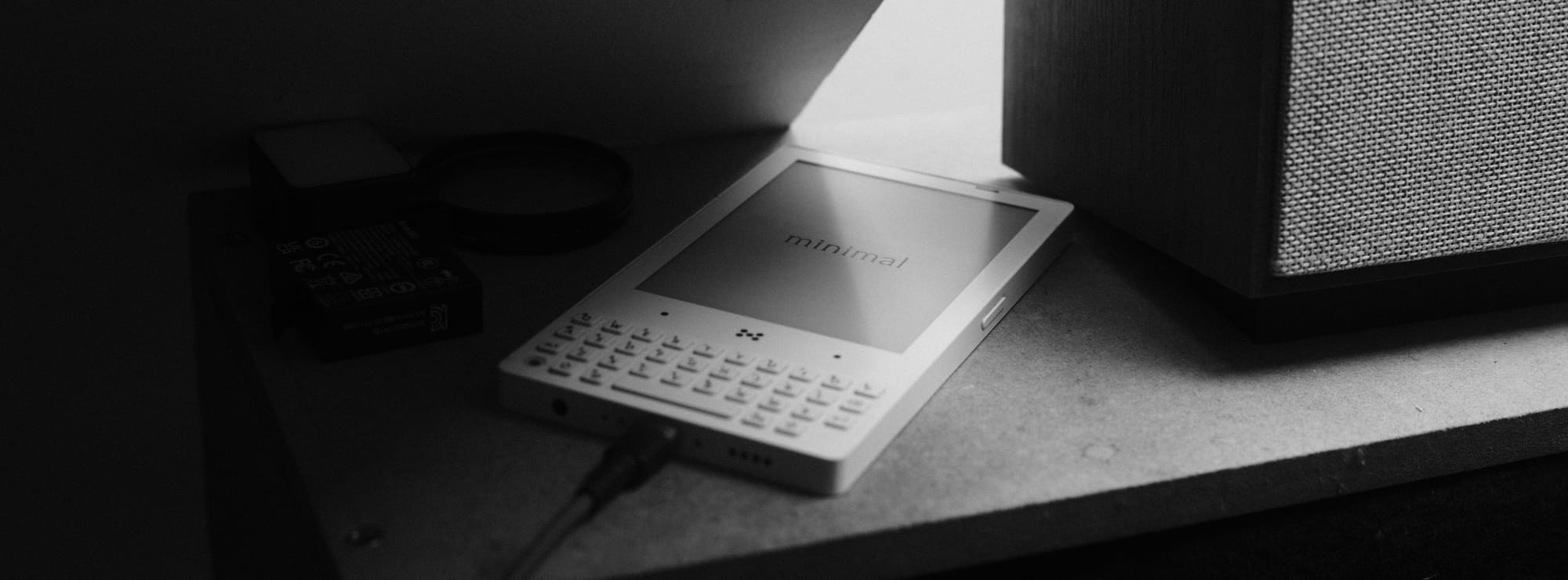
This phone has two things that make it excellent for this kind of device. First, it has an e-ink screen. Now, the e-ink panel is not the sharpest or crispest display you'll ever see. It's rather old school. And I don't know the exact model, but it doesn't really matter. What matters is that because it's old school, consuming media on this phone is really painful.
If you have something to compare it to - the Bigme Hibeak Pro I was using has such a crisp screen that you can actually watch YouTube videos on it or browse photos. It's not completely impossible, just very uncomfortable. On the Minimal Phone, it's an even poorer experience. And that's actually the point.
If, like me, you want the possibility to download your preferred podcast app and listen to your favorite podcast, or maybe use the phone to listen to a YouTube lecture without looking at the screen - the Minimal Phone is excellent for that. And because it's a normal Android smartphone under the hood, you can install whatever you want. I'm using Obsidian on my Minimal Phone and it's really comfortable. I can search information inside my notes whenever I need to. So it's a very good middle ground between a totally dumb phone and a full-fledged flagship smartphone.
The QWERTY Keyboard Changes Everything
There is a second element I love about this phone. It has a QWERTY hardware keyboard. Maybe it's because I was a Blackberry user. But either way, I love hardware keys. I prefer hardware keys to an on-screen keyboard by far. And this phone has a really well-designed QWERTY keyboard.
What I did on my Minimal Phone is that I completely ditched the proprietary launcher that comes with the device and installed the old-school BlackBerry launcher instead. What this allows me to do is configure each key to perform a specific action. You can launch an app if you want, but that's not my preferred use. My preferred use is speed dial. I put all my family members and most of my frequent contacts on speed dial. When the phone is unlocked and I press one of the hardware buttons, it makes the call. This is something I last used on the BlackBerry Key One, and it is very comfortable. Very cool.
So those are the two main excellent functions of this phone. I could add a third one - a 3.5 millimeter audio jack. Old school. And since I'm using excellent wired planar magnetic headphones, I love the fact that the jack is built right in. I don't have to use USB-C to jack dongles, which I hate.

A Screen That Protects Your Eyes and Your Sleep
Lots of people criticize this screen as poor quality. I think that's actually a big advantage. And there's another thing that's good about it - the screen has a non-flickering amber front light. On e-ink screens, it's a front light, not a backlight. So it's amber and non-flickering. Very good for the eyes. If you have to use it at night, you can set it to a very, very low intensity amber color so it does not disrupt your circadian rhythm.
I don't really think the screen is so bad. It's clearly not as sharp as the Bigme Hibreak Pro, of course. But hey, the whole purpose of this phone is to make you do everything you would normally do on a smartphone, but less comfortably and more slowly.
- I can use all my banking apps,
- I can use all my two-factor authentication apps,
- I can use Obsidian which I have installed.
But none of those experiences is so fluid, so magical that I want to spend time on the phone just for fun. I use it when I need to do something with it and I obviously can't use a PC or a laptop for that.
But if I had my laptop right next to me, I would for sure prefer using my laptop instead, because the phone slows me down. And that is exactly the point.
What Your Kids See When They See You With Your Phone
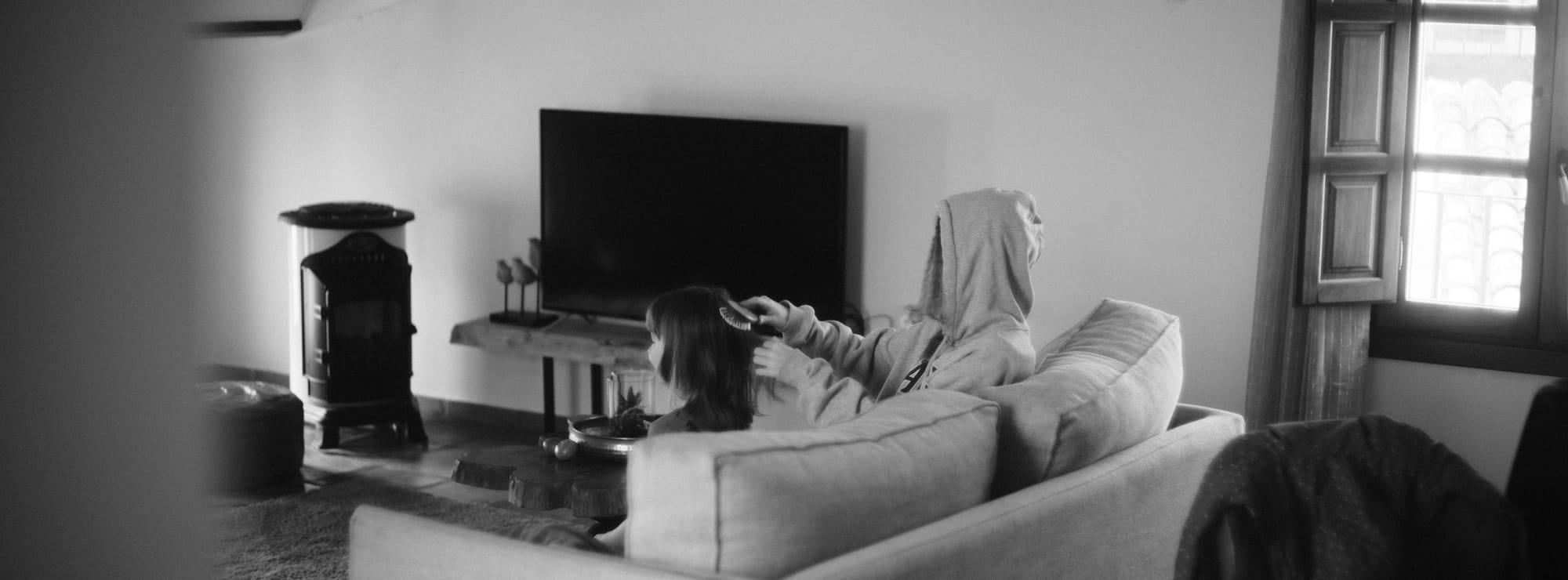
One additional thing that is important for me - this phone does not look like a smartphone. If my kid sees me with this, my kid knows it's a phone, not a smartphone. And that was precisely the reason I was also using the Punkt MP02 - because it looks like a phone and not a smartphone. In our family, it's normalized that we use phones and not smartphones. This matters more than most people think.
Now, a few practical notes. There is a fair amount of ghosting on the screen. And I think that's actually a positive. If you hate ghosting, there's a dedicated refresh key on the side. Press it once and the ghosting is gone. Press and hold it and you get to some settings - there are three modes. The fastest mode with three triangles drops the resolution by half. There's a mode with two triangles that uses the highest resolution for static images and automatically switches to the faster mode when something moves on the interface. But I don't like that one because it makes the screen flicker a lot.
On the power button there's a fingerprint reader, so you can unlock it with your finger. The battery life is very good for how I use it. I'm mostly just calling and texting, and I can go five days without recharging. The Punkt MP02 was closer to three days with some Bluetooth use - sometimes just two. So five days is a pretty solid improvement. I'm not really listening to music on this phone if I can avoid it - I take my dedicated audio player with me. I mostly use the headphone jack for longer phone calls, using my headphones as a headset.
Why This Matters More Than You Think
The Minimal Phone is not for everyone. But if you're looking for a way to stay connected without being consumed by your device, if you want your kids to grow up seeing a phone in your hand and not a glowing rectangle that steals your attention, this is a genuinely smart choice. It lets you do what you need and nothing more.
Research and Further Reading
Here are peer-reviewed studies and reputable sources related to the topics covered in this article:
E-ink displays and eye health:
- Rogers, R. et al. (2023). Study on the effect of displays on human retinal cells. Journal of the Society for Information Display. Harvard T.H. Chan School of Public Health. DOI: 10.1002/jsid.1191
- Siegenthaler, E. et al. (2012). Reading on LCD vs e-Ink displays: Effects on fatigue and visual strain. PLoS ONE. PubMed
- Maducdoc, M. et al. (2017). Visual consequences of electronic reader use: a pilot study. International Journal of Ophthalmology. PMC
- Benedetto, S. et al. (2013). E-Readers and Visual Fatigue. PLoS ONE. PMC
Blue light and circadian rhythm disruption:
- Hatori, M. et al. (2017). Global rise of potential health hazards caused by blue light-induced circadian disruption in modern aging societies. NPJ Aging and Mechanisms of Disease. PubMed
- Tähkämö, L. et al. (2019). Systematic review of light exposure impact on human circadian rhythm. Chronobiology International. PubMed
- Haghani, M. et al. (2024). Blue Light and Digital Screens Revisited. Journal of Biomedical Physics and Engineering. PubMed
- Wahl, S. et al. (2019). The inner clock - Blue light sets the human rhythm. Journal of Biophotonics. PMC
- Ouyang, X. et al. (2020). Blue light disrupts the circadian rhythm and creates damage in skin cells. International Journal of Cosmetic Science. PubMed
- Harvard Health Publishing (2024). Blue light has a dark side. Harvard Health
Screen time, children, and parental modeling:
- Canadian Paediatric Society (2017). Screen time and young children: Promoting health and development in a digital world. Paediatrics & Child Health. PMC
- Merkaš, M. et al. (2025). Effects of Parents' Smartphone Use on Children's Emotions, Behavior, and Subjective Well-Being. Frontiers in Psychology. PMC
- Alrasheed, M. et al. (2025). Impact of Screen Time on Development of Children. Children. PMC
- Harvard Medical School (2024). Screen Time and the Brain. HMS